












Setting Up a Subject
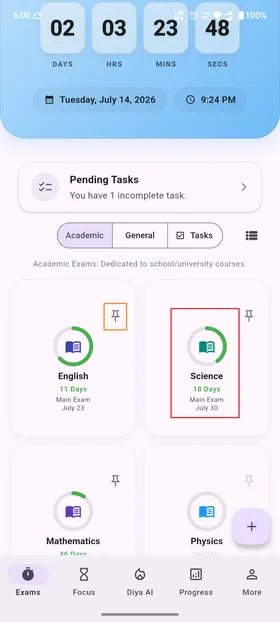
Subjects are the foundation of your study planner. Creating separate subjects keeps your exam dates, chapters, tasks, and statistics organized in one place.
Prefer to watch? · 1:08Subjects & chapters in a short video →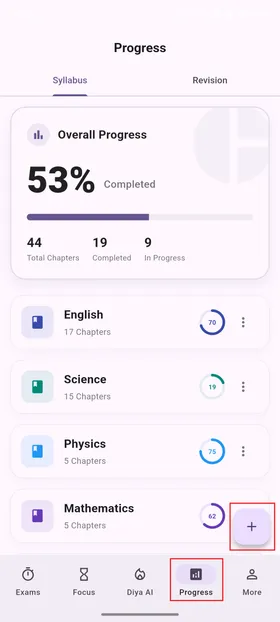
1
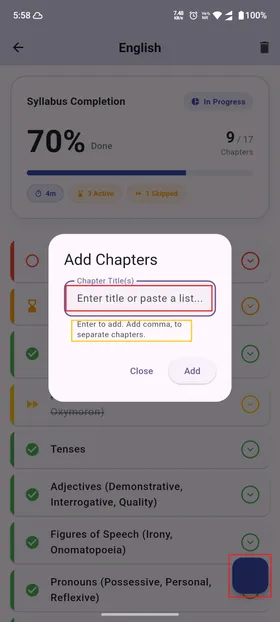
Go to the Progress Tab
Tap the Progress (Syllabus) icon in the bottom menu bar to open your dashboard.
2
Tap Add Subject
Tap the blue circular + Add Subject button at the bottom of the dashboard screen.
3
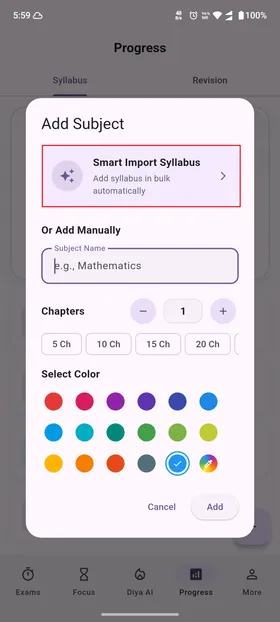
Customize Subject Details
Enter your subject's name (e.g. Chemistry, AP History). Choose a custom subject theme color to keep it distinct on your dashboard. Tap Create.
4
Edit or Delete a Subject
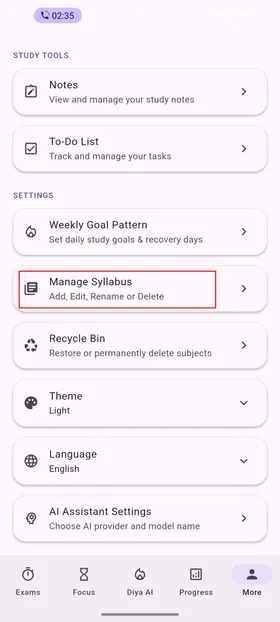
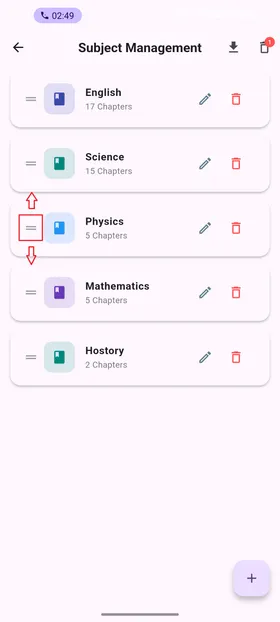
To edit (rename or change theme color) or delete a subject, tap the three vertical dots (options menu) on the right side of the subject card (near the circular progress ring). Alternatively, you can visit Tutorial 03 to easily edit, delete, and reorder subjects.
💡
Pro Tip: Give subjects clean, short titles. This helps them render clearly on your home screen widgets and calendar countdown events. You can also insert your whole syllabus using Diya AI, as discussed in Tutorial 05 - AI Syllabus Import.